Site audits & snagging
Snag it. Track it. Report it.
The fast, photo-first snagging app for site teams. Capture defects where you find them, pin them to floor plans, and turn them into a polished PDF before you leave site.
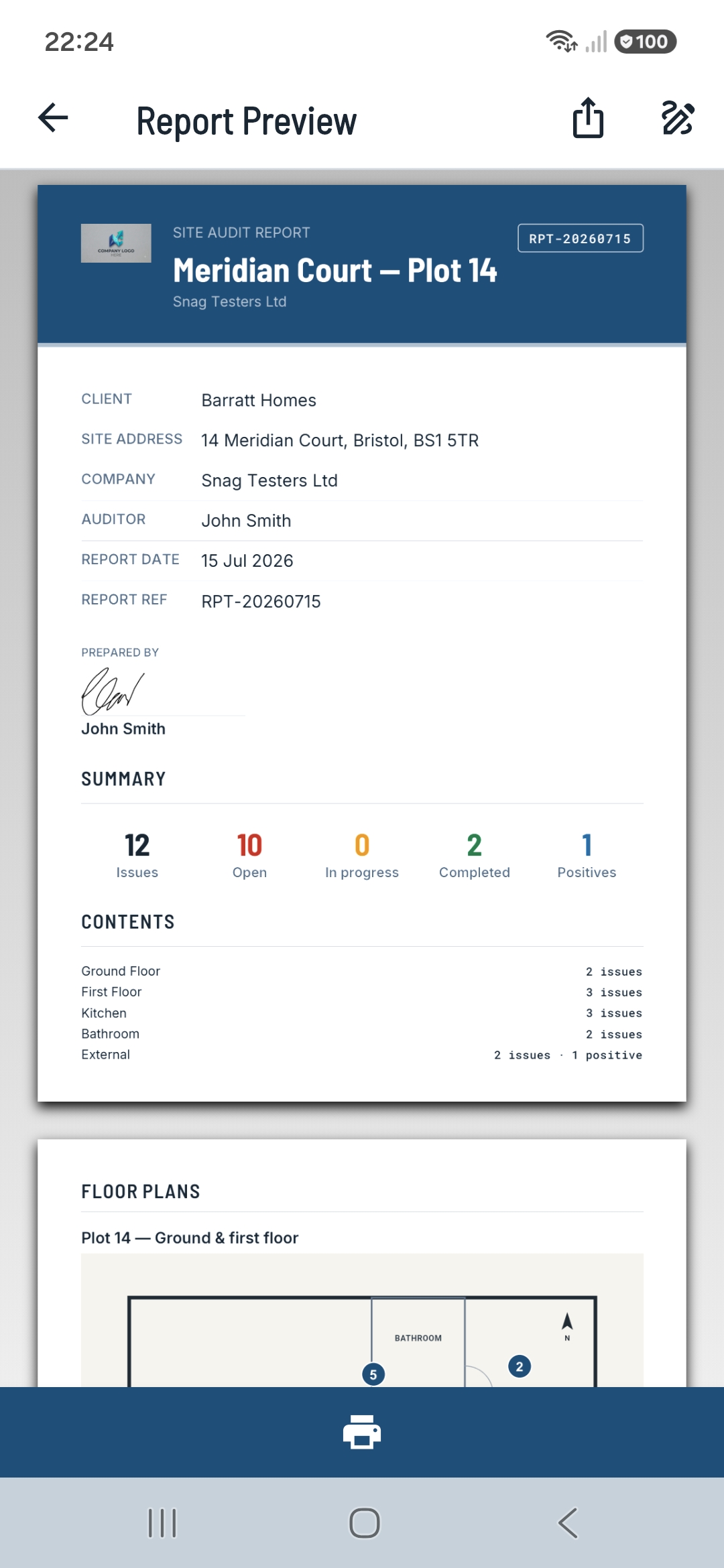
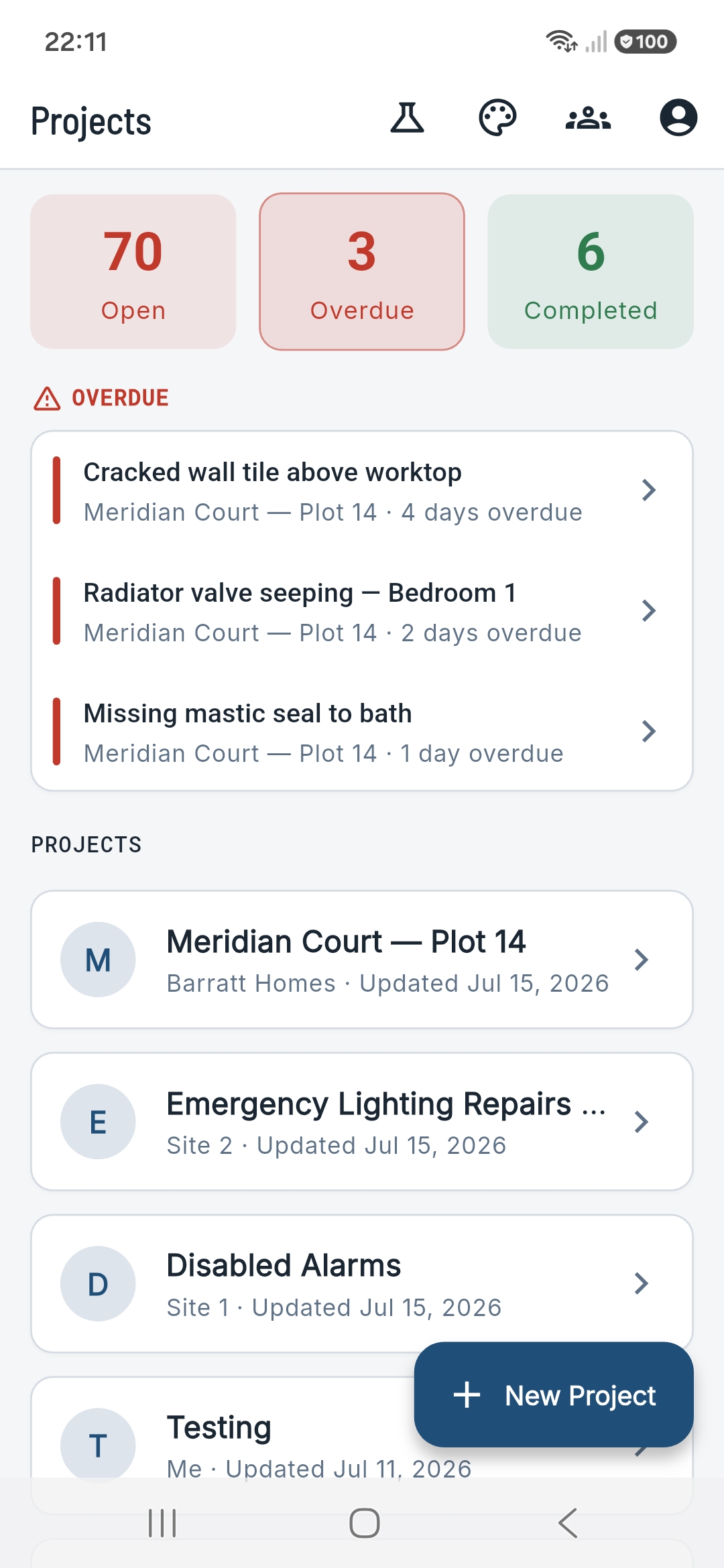
The fast, photo-first snagging app for site teams. Capture defects where you find them, pin them to floor plans, and turn them into a polished PDF before you leave site.
Snap photos, add notes, GPS-tag — in seconds, on the tools.
Drop each issue onto the floor plan so nothing gets lost.
Assign, set due dates, and record completion sign-off.
Export a branded PDF and email it before you leave site.
Photo-first by design. Fire off camera shots or pull a batch from your gallery, mark them up, and file them against an area — no fiddly forms between you and the next defect.
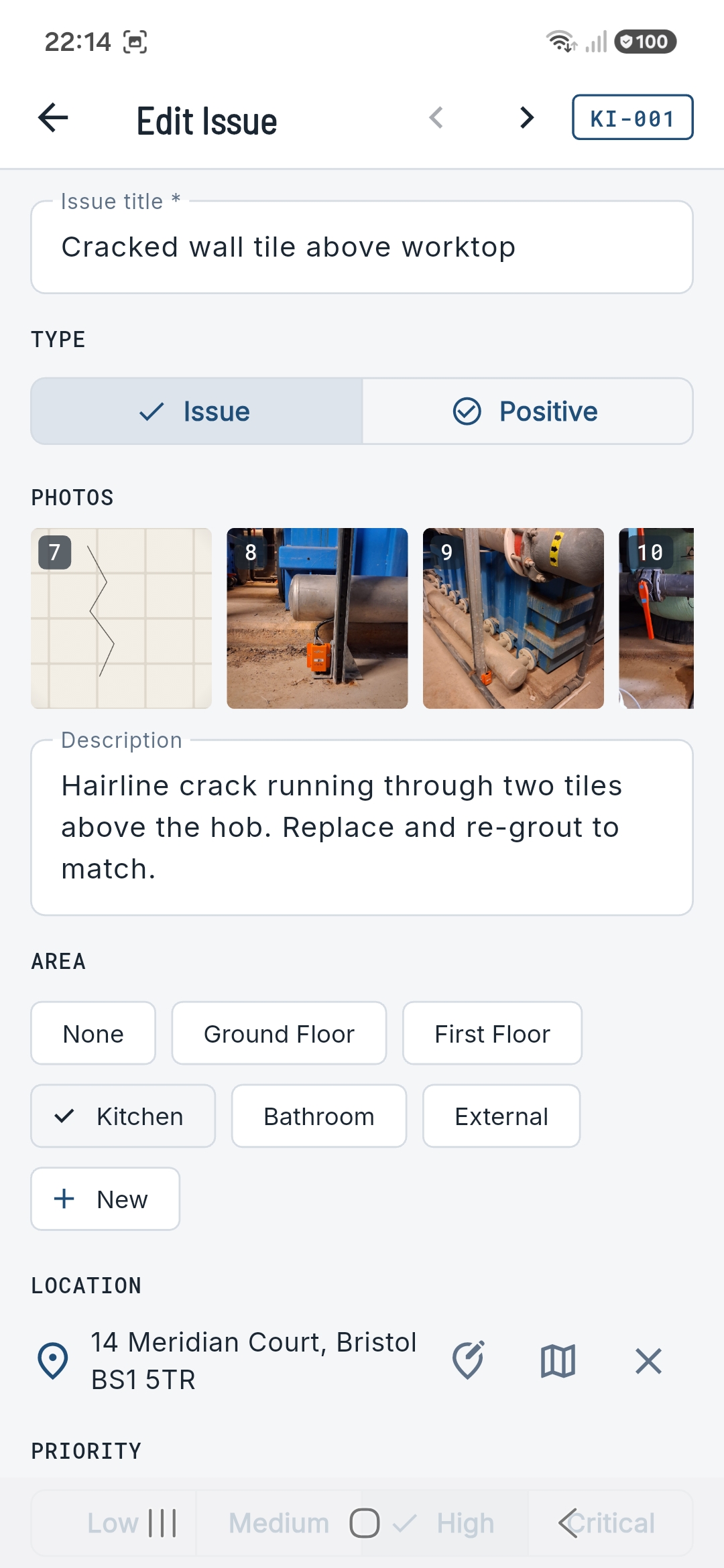
Upload a drawing and drop a numbered pin for each snag. Anyone reading the report can see at a glance where the work is — and the pins carry straight through to the PDF.
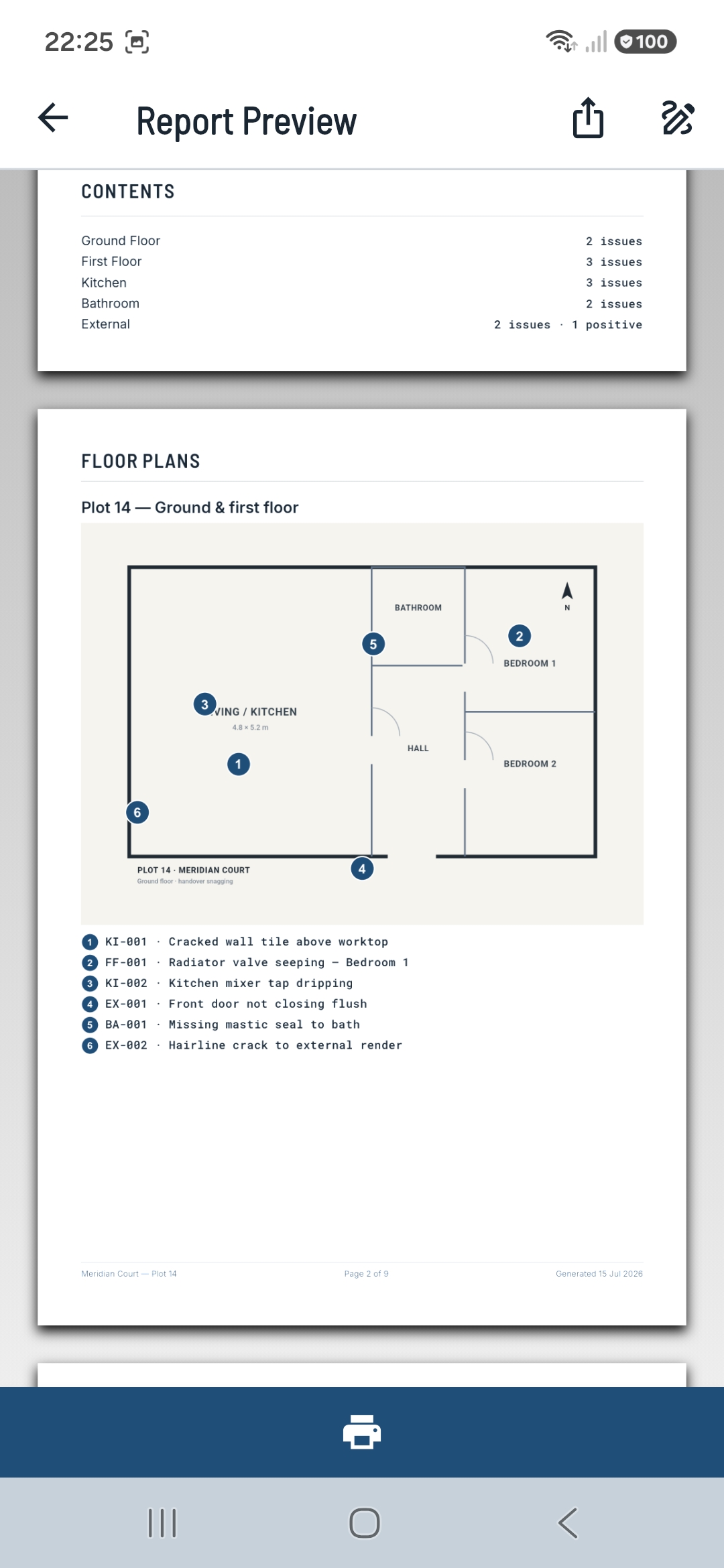
One tap turns your snag list into a clean, branded PDF — cover page, colour-coded item cards, photo evidence and an optional before/after gallery. Compressed to email in seconds.
The details that turn a snagging app into the one your crew actually keeps using.
Full capture with no connection. Everything syncs the moment you're back online.
Your projects and photos are safe, and follow you across every device you sign in on.
Invite colleagues as editors or viewers. Assign snags and track who's doing what.
Get told the moment a snag is assigned to you or a project is shared — plus due-date reminders.
Save the snags you log all the time and drop them in with a tap — no retyping.
Company logo, colour theme, custom wording and per-project styles for white-label work.
The whole app is free to use offline, forever. Upgrade when you want it backed up, synced across devices, and shared with your crew.
The full app, on your device — no account needed.
Back it up, sync it, and make it yours.
Bring the whole crew onto one project.
Prices in GBP · cancel anytime · Team adds £5/user per month beyond 5. Founding pricing — subject to change.
Free to start. Capture, track and report on your first project today — no account needed to try it.